

 Local. Private. Trusted.
Your Secure Meeting Room
Experience seamless communication and collaboration with our advanced conferencing solution. Connect and engage with your team effortlessly, no matter where they are.

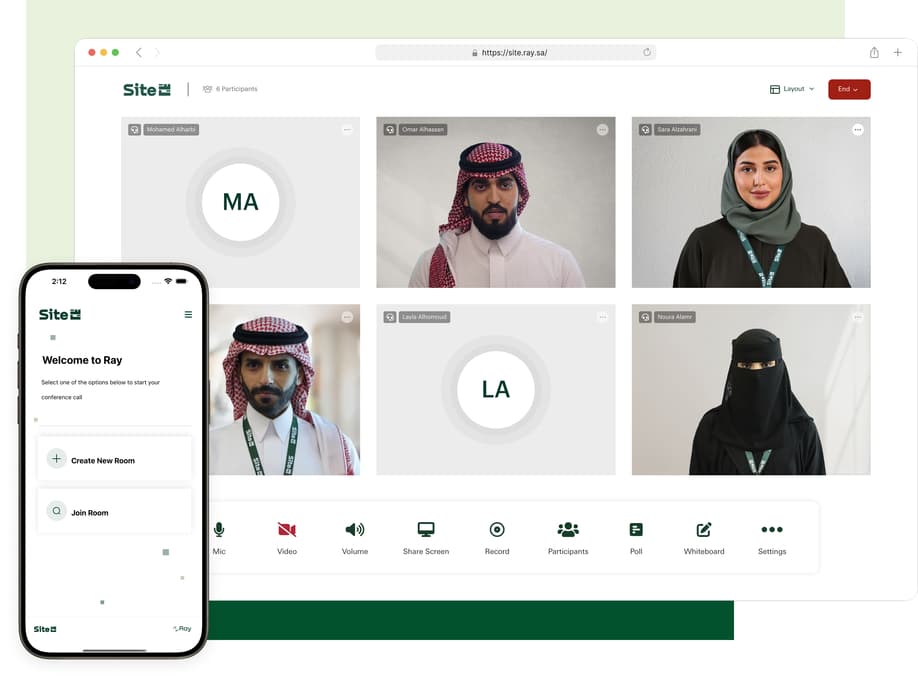

Secure by Design
A reliable, secure conferencing solution for seamless communication

National Platform
Meets evolving market needs as a reliable national platform

Seamless Experience
Provide a seamless and engaging virtual meeting experience
Collaborative and Dynamic Meetings
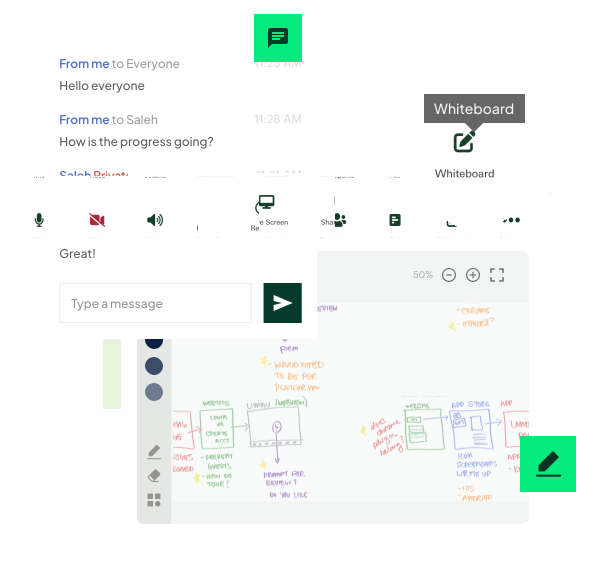
Enable meeting participants to have seamless and effective interactions using our features such as Chat, Whiteboard and Screen Sharing features and much more!
 Seamless real-time private and group messaging during sessions
- Interactive whiteboard for visual engagement
- Single window or the entire desktop screen sharing for effective presentations
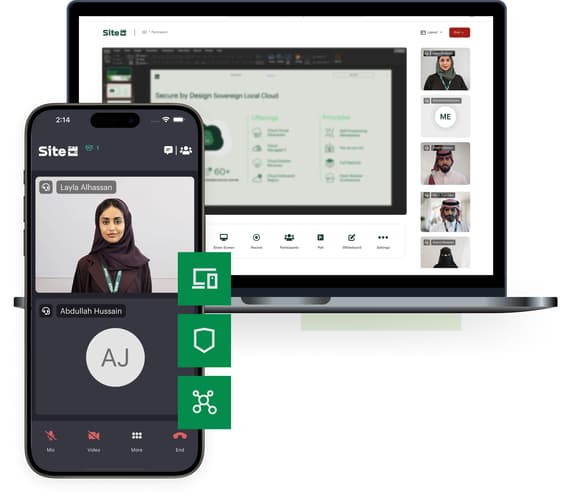
High-Quality Meetings from Any Device!
Deliver high-quality audio and video through a responsive, user friendly web and mobile application, designed to ensure consistent performance, low latency, and an immersive communication experience across all devices and network conditions.
Get the app now and experience seamless communication anytime, anywhere.


Sync with your organization tools and make it yours!
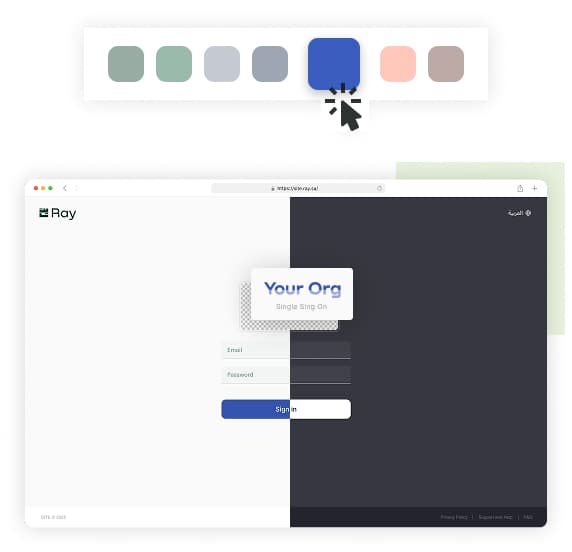
SITE Ray lets you customize the platform with your organization’s identity and integrates with Outlook for easy meeting scheduling and access.
100%
Branded Experience
Customize the platform to match your organization’s identity.
1-Click
Outlook Integration
Schedule and join meetings directly from Outlook.
Instant Sync
With Organisation Tools
Connect with your internal tools like Outlook effortlessly.
20+
Enterprise Clients
Trusted by 20+ organizations for secure, branded collaboration.
Product Features
Secure teamwork with screensharing, notes, and live edits.

High Quality Audio & Video Conferencing
Provide a high quality audio and video through a responsive web application

Screen Sharing
Share a single application window or the entire desktop with meeting participants

Private & Group Chat
Send private and group messages to meeting participants during meetings

Whiteboard Function
Use a collaborative whiteboard that can be used for annotations with other participants

Host Controls
Manage a meeting by setting a room password, locking the room, muting all participants, etc.

Email Client Plugin
Schedule and join meetings seamlessly directly from the Outlook email client.

Meeting Recording
Refer back to the meeting discussion by recording the meeting on your computer.

Live Streaming
Host and stream your events to larger audience
Start Your Ray Experience Today and Elevate Collaboration
Contact Site cloud sales specialist to explore tailored solutions for your team’s communication needs.
 Share your goals and challenges.
- Explore solution options and pricing.